Learning platforms, school websites and campus apps
Education and EdTech UI/UX Design Services
Devoq Design designs learning products that students can navigate alone, teachers can run without extra training and parents can follow without calling the office: learning platforms, school and university websites, course apps, student portals and admin tools. Accessible to WCAG 2.2 AA and designed with student privacy in mind.
Education products designed for learners, teachers and the people who support them
Education software has an unusually wide audience, and products fail when they are designed for the buyer rather than the user. A nine-year-old on a shared classroom tablet opens an assignment and meets a dashboard written for an administrator, so a teacher spends the lesson helping rather than teaching. A teacher with six minutes between classes tries to mark ten submissions and needs four screens per student. A parent on a lunch break opens the portal to check a trip payment and finds the fee hidden behind a login the school never sent. A registrar closing admissions watches applications time out because the form was built for desktop and most families apply from a phone. We start by watching classrooms, lecture halls and kitchen tables through UX research, then design flows around the real constraints: shared devices, uneven connections, limited time and a wide range of ages and abilities. Navigation is built for the person using it, marking takes one screen, payments and messages sit together, and forms save progress. Whether you run a school group, a university, an online course business like BTC University or an EdTech startup, we deliver interfaces that people finish tasks in.
Our Services
Design services shaped by the education sector, from school websites to full learning platforms:
Education Website Design
School, college, university and online academy websites built for admissions, clear information, accessibility and search visibility, with templates your office team can publish to without breaking the layout.
Learning apps, student and parent portals and teacher tools designed for mobile, with privacy and age-appropriate design built in, and onboarding that gets a learner to a first lesson in minutes.
Education UI/UX design by Devoq Design covers the parts that decide whether a product is adopted or abandoned:
Designed for every age group
Reading level, tap size, navigation depth and tone are set for the real audience, from young learners to adult students and their families. A good learner screen shows one clear next step; a bad one shows everything the system can do, and a child or a tired adult student gives up before the lesson starts.
Student privacy by design
Consent, data minimization and role-based views are drawn in with FERPA in the US, COPPA for children under 13, and GDPR in Europe in mind. We design what each role can see, how parental consent is collected, and how long data is kept, and we document those decisions so your counsel and your data lead can review them.
Accessible to WCAG 2.2 AA
Contrast, captions, keyboard use and screen-reader structure are checked on every screen, which supports the accessibility duties schools and universities carry, including the ADA Title II web rule for US public bodies. Accessible design also helps the student with a cracked tablet or a slow connection, which is most of them some of the time.
AI that supports teaching
Drafted feedback, practice questions and summaries are designed with teacher control, clear labeling and a policy-friendly paper trail. Gallup and Walton found 60% of US K-12 teachers used AI tools in the 2024-2025 school year, so we design settings a school can switch per class and labels a student can understand.
Learning Management Experience
Admissions and Enrollment
Student and Parent Portals
Course and Tutoring Platforms
Approach Section
Our Approach to Education UI/UX Services
Discovery and Research
01
Interviews and observation with students, teachers, parents and administrators, plus a review of your analytics, support tickets and the policies that apply to your users. We watch a lesson and an admissions shift where we can, because the time pressure on each role shapes the design.
Wireframes and Prototypes
02
Clickable flows for enrollment, lessons, assignments, grading, messaging and payments, tested with real users before visual design. Prototypes are tested on the devices the audience actually has, including shared tablets and older phones on a school network.
UI Design
03
A clear, friendly visual system with accessible color and type, age-appropriate components and states for every screen. Components are documented in a design system so new modules built by your team next term still match what was tested.
Usability Testing
04
Task-based sessions with learners and teachers, including users who rely on assistive technology, with fixes made before handoff. A teacher marks a set of work, a parent pays for a trip and a student finds today's homework while we watch for hesitation.
Handoff and Optimization
05
Developer-ready files and documentation, then adoption, completion and engagement improvements as usage data arrives. The first term after launch is treated as part of the project, with teacher feedback and support tickets feeding a prioritized backlog.
Why Devoq Design?
We make the collaboration of people and interface more intensive and exciting.
Experienced Education Designers
Learning platforms, school sites and student portals designed with pedagogy, privacy and usability treated as one brief. We have worked with schools, universities, course businesses and EdTech teams and know where each one gets stuck.
Teacher-Time Aware
Workflows tested against the few minutes teachers really have, so tools save time instead of adding admin. We time the marking, planning and messaging tasks in the prototype and again after build.
Inclusive by Default
Interfaces that work for different ages, languages, devices and abilities without a separate accessible version. Plain language, captions and keyboard paths are part of the main design, not an add-on.
Engagement Without Gimmicks
Progress, feedback and motivation designed to help learning rather than to inflate time on screen. Streaks and badges are used only where they support the next lesson, never to create anxiety.
Built to Integrate
Designs that account for LMS, student information systems, single sign-on, video and payment providers. We map what each system can supply before a screen depends on it, so nobody is asked to create yet another account.
AI Speed, Senior Review
AI drafts about 5x faster, with senior review of every screen. We draft layouts, copy and research summaries with AI, and a senior designer reviews everything that ships.
Discover Our Case Studies
Explore Compelling Case Studies: Real Solutions, Real Success Stories
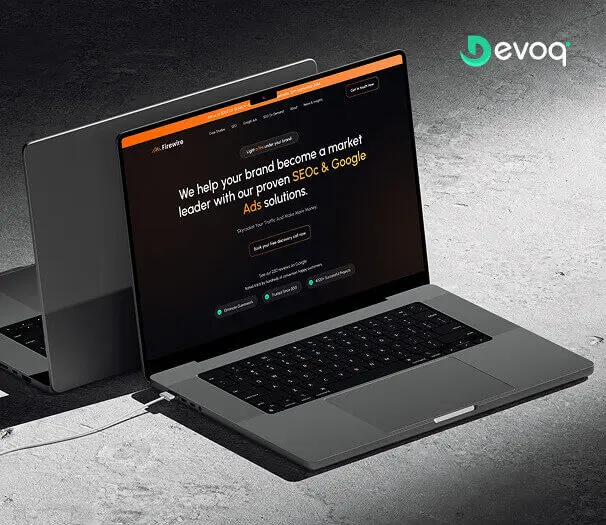
We crafted a sleek and intuitive website for Firewire, a digital marketing company specializing in SEO and Google Ads, to showcase their expertise and results. Our design highlights their data-driven approach to connecting businesses with their audience.
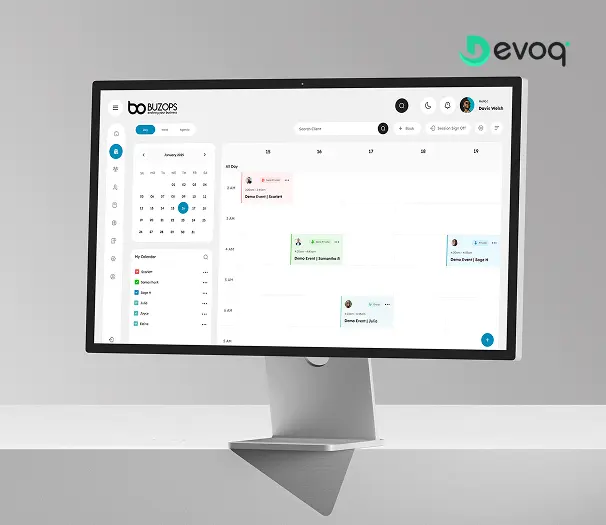
We created a clean and scalable SaaS experience for Buzops, helping businesses manage operations, automate workflows, and improve customer engagement through a unified platform.
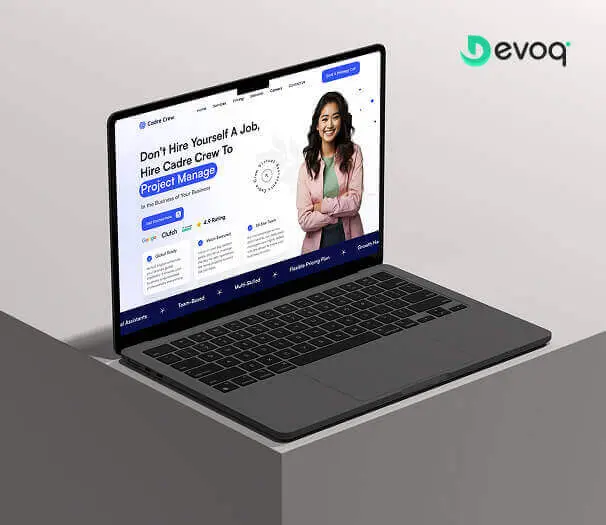
We designed and developed a user-friendly website for Cadre Crew, a company that helps growing businesses scale operations with virtual assistant and project management services. Our goal was to create an intuitive and efficient experience for their users.
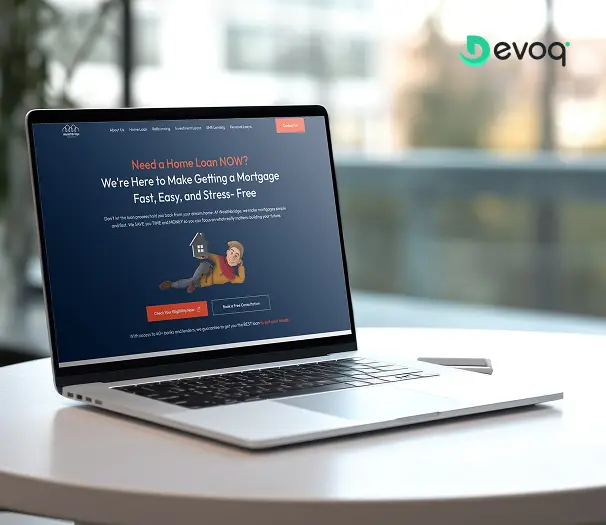
We built a modern online platform for Wealth Bridge, a mortgage and loan comparison service. The goal was a credible, easy-to-use experience that makes complex loan information simple. With a focus on clarity, performance and smooth interaction, the site helps borrowers compare home-loan products and choose the right one with confidence.
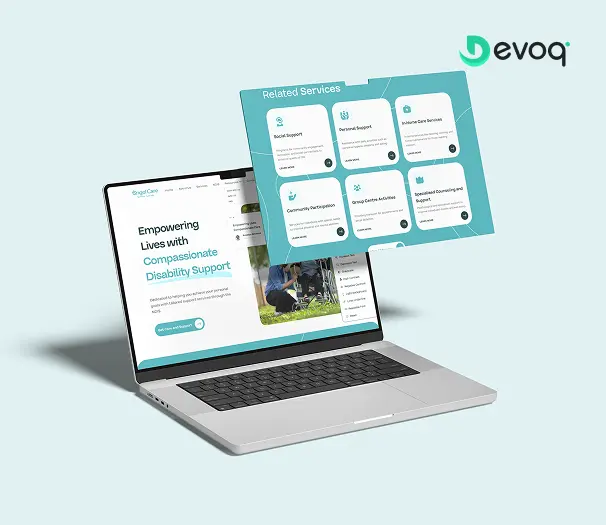
We created a compassionate and accessible digital experience for AngelCare, simplifying care discovery, improving NDIS understanding, and empowering users to access personalized support services with ease.
User research with students, teachers, parents and administrators, journey mapping, wireframes and prototypes, visual design, design systems, accessibility checks to WCAG 2.2 AA and developer handoff for learning platforms, school and university websites, student portals and EdTech apps. Each engagement is scoped as a defined set of roles, flows and screens, and you choose whether we cover the website, the app or both.
How do you design for student privacy?
We draw consent, parental controls, data minimization and role-based access into the flows, keeping FERPA, COPPA and GDPR in mind, and we document design decisions for your review. Each screen states which role sees it and why, and consent steps are written in language a parent can understand. This is design input rather than legal advice, and your counsel confirms the final position.
Can you redesign our existing learning platform or school website?
Yes. We start with a UX audit and analytics review to find where students, parents or staff get stuck, then redesign those flows while keeping the integrations and content you already have. You can begin with a free UX audit to see the biggest problems before deciding on a scope. Work ships in stages so teachers are never asked to learn a whole new system at once.
How do you approach AI in education products?
With teacher control first. Gallup and Walton found in 2025 that 60% of US K-12 teachers used AI tools, while RAND found only 19% work in schools with an AI policy, so we design clear labels, review steps and settings that match local policy. AI output is marked as such, a teacher can switch features per class, and a learner always has a route to a person.
How accessible will the product be?
We design and test to WCAG 2.2 AA: contrast, captions, keyboard and screen-reader structure, large tap targets and plain language. US public institutions face ADA Title II web rules, with deadlines in April 2027 and April 2028, and the European Accessibility Act applies to many digital services in the EU. We test with users who rely on assistive technology, not only with checklists.
How much does education UI/UX design cost?
It depends on the number of user types, screens and integrations, and on whether research and testing are included. After a short discovery call we scope a fixed price for a defined product, such as a portal or a school website, or a monthly retainer for platforms that keep adding features each term. Each part of the scope is itemized so you can decide what goes first.
How long does an education design project take?
The main drivers are the number of roles (learners, teachers, parents, administrators), the screens and flows in scope, how many systems the product integrates with, and whether research and usability testing are included. Academic calendars matter too: we plan releases around term starts and admissions deadlines rather than across them. Milestones are agreed at the start.
Who owns the designs and the research?
You do. Figma files, research notes and documentation live in your own accounts and the contract assigns the intellectual property to you. Your developers and any future partner can build on the design system without asking us, and research findings are written up so they stay useful to your team after the project ends.